Secure File Transfer Portals for Agency Client Work
By Michael Chen · Published · 4 minutes read
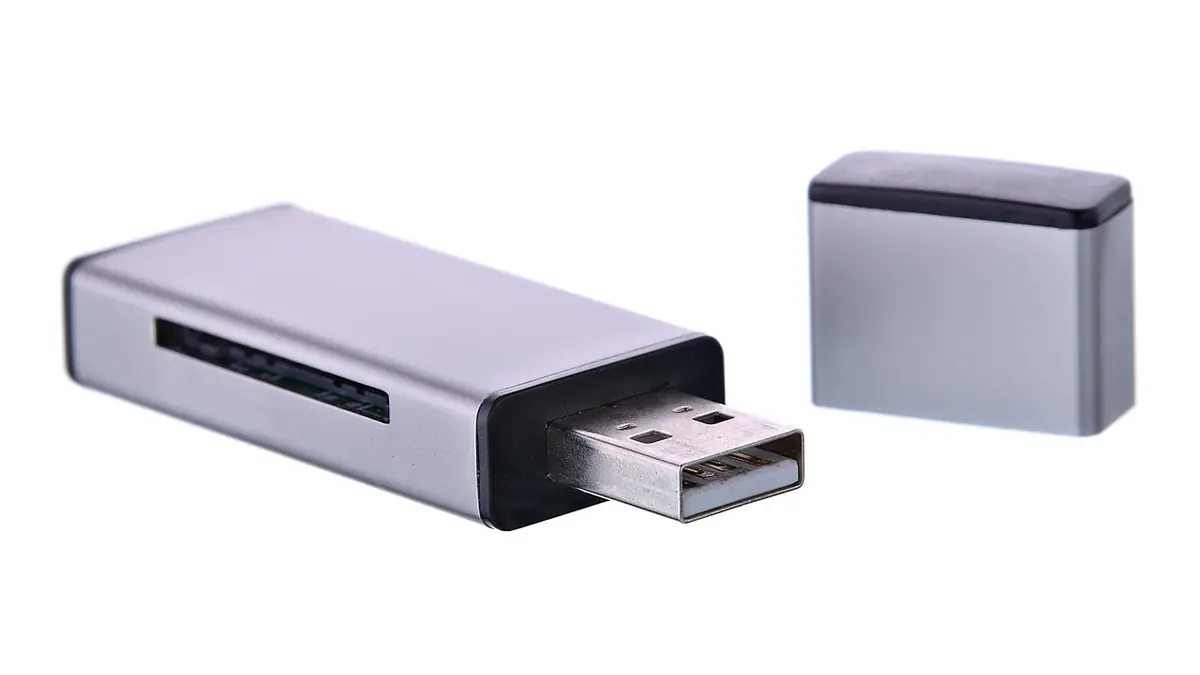
Clients send and receive large files every week: raw video, layered design files, print-ready PDFs, research datasets. Email caps out quickly and consumer file-sharing links are hard to control. A dedicated secure transfer portal fixes both problems, but only if it is set up with clear limits, retention rules, and access controls that match how your agency actually works.
This guide covers what a client-facing transfer portal needs to do, how to set sensible policies, and what it costs to run. It is written for account, production, and operations leads who manage the handoff of client files and need the transfer process to be fast, auditable, and safe.
What a Client-Facing Transfer Portal Must Do
At minimum, a portal needs to let clients upload files without an account, notify the right internal people, and let them download deliverables through a link that expires. Most agencies also need virus scanning, a full audit trail, and the ability to set per-client permissions. If a client works in a regulated industry, you may need data residency options and the ability to delete files on request.
The portal should fit the client's workflow, not the other way around. That means a simple upload page with drag-and-drop, clear progress indicators, and no mandatory training. Internally, files should land in a structured folder or asset record so they do not disappear into someone's inbox. Treat the portal as the front door to your client work archive, not a separate silo.
- No-account uploads with expiring links
- Virus scanning and file-type validation
- Per-client folders and permissions
- Audit log of uploads, downloads, and deletions
- Automatic notifications to account and production leads
File Size Limits, Formats, and Transfer Speeds
Typical agency transfers range from a few hundred megabytes of print files to 50–200 GB of raw video per project. Most business-grade portals handle single files up to 5–20 GB and total transfers of 100–500 GB, but check the limits before you promise a client anything. If you regularly move 200 GB camera packages, look for resumable uploads and chunked transfers so a dropped connection does not restart the whole file.
Compression helps, but do not ask clients to zip raw footage. Instead, set format guidance per project type: PDF/X-4 for print, ProRes or H.264 for review cuts, layered PSD or AI with linked assets for design handoffs. A short upload checklist on the portal page reduces back-and-forth and keeps file naming consistent, which matters later when you organize digital assets for client work.
- Single-file limit: 5–20 GB is common
- Total transfer limit: 100–500 GB per project
- Resumable uploads for connections over 30 minutes
- Accepted formats listed per project type
- Naming convention enforced at upload
| Agency size | Monthly cost range | Single-file limit | Retention default | Best fit |
|---|---|---|---|---|
| 1–5 people | $30–$150 | 2–5 GB | 30 days | Simple subscription with expiring links |
| 6–20 people | $100–$300 | 5–10 GB | 60 days | Team plan with per-client folders and audit log |
| 21–50 people | $300–$800 | 10–20 GB | 90 days | Role-based access and virus scanning |
| 50+ people | $1,000+ | 20 GB+ | 90–180 days | Enterprise with data residency and SSO |
| High-volume video | $500–$1,500 | 50–200 GB | 30–60 days | Resumable uploads and accelerated transfer |
Access Control, Expiry, and Retention Policies
Every link should expire. For client uploads, 7–30 days is typical; for deliverable downloads, 14–90 days depending on the client's review cycle. Require a password or email verification for anything containing personal data, unreleased creative, or financial information. Internally, use role-based access so freelancers see only the projects they work on.
Retention is where agencies get into trouble. Decide how long files stay in the portal before they move to the archive: 30–90 days is a practical default. After that, files should be moved to long-term storage with clear ownership. This is also the moment to run a checklist for auditing your agency's client work archive so nothing is lost or kept longer than the client agreement allows.
- Upload links: 7–30 days
- Download links: 14–90 days
- Password or email verification for sensitive files
- Role-based internal access
- 30–90 day portal retention before archive
Security Basics That Actually Matter
Encryption in transit (TLS 1.2 or higher) and at rest (AES-256) is table stakes. Turn on virus scanning for all uploads and block executable file types. Log every download with user, IP, and timestamp; clients increasingly ask for this during audits. If you handle personal data, check where the data is stored and whether the provider supports deletion on request.
Do not rely on the portal alone. Pair it with an internal policy that covers who can share links externally and how to revoke access when a project ends. These controls overlap with the broader measures in client work archive security: protecting confidential agency data, so keep the two policies consistent rather than maintaining separate rules.
- TLS 1.2+ in transit, AES-256 at rest
- Virus scanning on every upload
- Block executables and scripts
- Download audit logs with IP and timestamp
- Revoke access within 24 hours of project close
Costs and Build-vs-Buy Ranges
For most agencies, a subscription portal costs roughly $30–$150 per user per month, or a flat $100–$500 per month for a team of 10–50. Enterprise options with data residency and custom retention run $1,000+ per month. Self-hosting on object storage can be cheaper at high volume, but you pay in engineering time: expect 40–80 hours to build a basic portal and ongoing maintenance after that.
The real cost is often the workflow around the tool: training clients, writing upload instructions, and cleaning up files that never got archived. Budget for a part-time operations owner. If you are comparing transfer costs with long-term storage, our breakdown of how much it costs to digitize and archive agency client work gives realistic ranges for the archive side of the equation.
- Team subscription: $100–$500 per month
- Per-user plans: $30–$150 per user per month
- Enterprise with data residency: $1,000+ per month
- Self-hosted build: 40–80 engineering hours plus hosting
Making Transfers Searchable and Auditable
A transfer portal is only useful if you can find what came through it six months later. Require a project code, client name, and file type at upload, and pass those fields into your archive metadata. Without that, files arrive as `final_v3.zip` and become impossible to match to a job. Consistent metadata is the difference between a searchable archive and a folder of mystery files.
Set up a weekly check that every closed transfer has been moved to the archive with its metadata intact. For a deeper look at tagging and search, see how to use metadata to improve client work archive searchability. A simple rule works well: if a file is not in the archive with a project code, the project is not closed.
- Require project code and client name at upload
- Map portal fields to archive metadata
- Weekly check that closed transfers are archived
- No project closure until files are archived
- Set upload links to expire in 7–30 days and download links in 14–90 days; make expiry the default, not an option.
- Require project code and client name at upload so files can be matched to jobs and archived without guesswork.
- Budget $100–$500 per month for a team portal; self-hosting only pays off above roughly 50 users or very high file volumes.
- Run a weekly check that closed transfers are archived with metadata intact, and revoke access within 24 hours of project close.
Michael is a digital asset management specialist with a background in advertising. He writes about best practices for organizing and preserving creative work. His practical guides are popular among agency teams.