How to Archive Client Work for Long-Term Reference: A Step-by-Step Guide
By Sarah Williams · Published · 4 minutes read
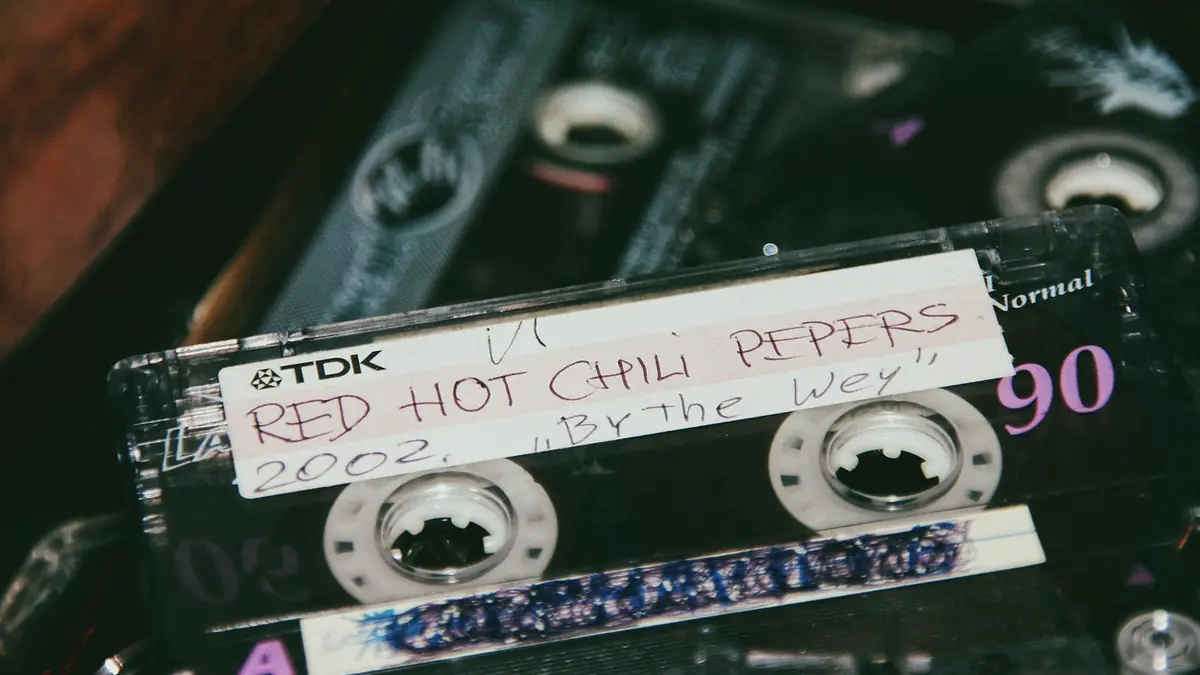
Client work is the lifeblood of any agency, but without a systematic archive, valuable campaign assets, creative files, and strategic documents can become lost or unusable over time. A well-organized archive not only preserves your agency's history but also enables faster onboarding, informed pitching, and compliance with legal requirements.
This guide walks you through the process of archiving client work for long-term reference, from initial planning to ongoing maintenance. You'll learn how to select what to keep, choose the right formats, structure your archive, and ensure that future team members can easily find and use past work.
Step 1: Define What to Archive and Why
Before you start moving files, clarify the purpose of your archive. Are you preserving work for legal compliance, for portfolio use, for reference in future pitches, or all of the above? Different goals dictate what to keep and for how long. For example, contracts and final deliverables may need to be kept for 7–10 years, while working files might only be useful for 2–3 years.
Involve account managers, creatives, and legal early. Create a retention policy that specifies which asset types (e.g., final campaign artwork, strategy decks, media plans) are archived and which are discarded. A good rule of thumb: keep final approved deliverables, key presentations, and any files that required significant effort or hold strategic value. Avoid archiving every draft; focus on what has long-term reference value.
Document your criteria in a simple matrix. For instance, high-value items might include brand guidelines, campaign reports, and original photography; low-value items include interim drafts and duplicate files. This step ensures consistency and prevents archive bloat. For a deeper checklist of essential elements, see What to Include in a Client Work Archive: Essential Elements.
- Final deliverables (print-ready PDFs, final videos, live URLs)
- Key strategy and creative presentations
- Client contracts and legal approvals
- Campaign performance reports and analytics
- Original high-resolution assets (photos, logos, fonts)
Step 2: Choose Sustainable File Formats
File formats matter for long-term accessibility. Proprietary formats (e.g., .ai, .psd, .indd) may become obsolete or require specific software versions. Where possible, save a copy in open or widely supported formats: PDF/A for documents, TIFF for images, MP4 (H.264) for video, and plain text or CSV for data. For editable files, keep the original but also export a flattened version for quick viewing.
Consider compression and storage trade-offs. High-resolution TIFFs consume significant space, but they preserve quality. For internal reference, a medium-resolution JPEG might suffice. Establish a naming convention that includes client, project, date, and version to avoid confusion. For a detailed guide on format selection, see How to Choose the Right File Formats for Archiving Client Deliverables.
Step 3: Organize with a Consistent Folder Structure
A clear, hierarchical folder structure is the backbone of any archive. Use a top-level folder per client, then subfolders by year or project. Within each project, separate final deliverables, source files, and administrative documents. Avoid deep nesting; aim for no more than four levels. Consistency across clients makes browsing intuitive.
Adopt a naming convention that includes dates in YYYY-MM-DD format and version numbers (e.g., 2023-05-15_BrandCampaign_Final_v2). This prevents duplicate and ensures chronological sorting. For agencies managing large volumes, a digital asset management (DAM) system can automate organization. For best practices on structuring digital assets, see How to Organize Digital Assets for Agency Client Work: Best Practices.
- Top-level: ClientName
- Second-level: Year or ProjectName
- Third-level: Deliverables, SourceFiles, Admin
- File names: YYYY-MM-DD_Project_Description_Version
Step 4: Add Metadata and Documentation
Metadata is what makes an archive searchable. At minimum, record client name, project name, date, campaign objectives, and key team members. For visual assets, include descriptions and keywords. This can be done in a spreadsheet or via a DAM system's metadata fields. Good metadata turns a passive archive into an active knowledge base.
Also create a README file for each project explaining the contents, software used, and any special instructions. This is invaluable when someone unfamiliar with the project needs to access files years later. Consider embedding metadata directly into files where possible (e.g., IPTC for images, document properties for PDFs).
| Asset Type | Typical Retention | Preferred Archive Format | Metadata to Capture |
|---|---|---|---|
| Final campaign deliverables (print, video) | 7–10 years | PDF/A, TIFF, MP4 | Client, project, date, campaign objectives |
| Strategy and creative presentations | 5–7 years | PDF/A | Client, project, date, author |
| Source files (design, video project files) | 3–5 years | Native format + PDF/MP4 export | Software version, fonts used, assets list |
| Client contracts and legal documents | 10+ years | PDF/A | Client, contract date, parties, expiration |
| Campaign performance data | 5–7 years | CSV, XLSX | Client, campaign, date range, metrics |
Step 5: Select Storage and Backup Solutions
Your archive needs secure, redundant storage. Cloud storage (e.g., enterprise-grade object storage) offers scalability and accessibility, while on-premises network-attached storage (NAS) provides faster local access. A hybrid approach is common: active projects on local servers, archives in the cloud. Ensure encryption at rest and in transit, and set up access controls.
Implement a 3-2-1 backup strategy: three copies, on two different media, with one offsite. Test restoration regularly. For budget planning, digitization and archiving costs vary widely; for typical ranges, see How Much Does It Cost to Digitize and Archive Agency Client Work?.
Step 6: Implement Retrieval and Access Policies
An archive is only useful if people can find what they need quickly. Develop a simple retrieval protocol: who can request access, how requests are handled, and expected turnaround. A searchable index or catalog is essential. Train team members on using the archive and encourage them to consult it before starting new work.
For large archives, consider a dedicated digital asset management system with search filters. Even with a simple folder structure, a master index spreadsheet can work for smaller agencies. Regularly review access logs to identify popular assets and potential security issues. For tips on speedy retrieval, see Client Work Archive Retrieval: How to Find Old Campaigns Quickly.
Step 7: Maintain and Review Regularly
An archive is not a set-and-forget project. Schedule annual reviews to purge expired items, migrate formats if necessary, and update metadata. Technology changes; what is accessible today may not be in five years. Migrate to new storage media every 3–5 years and verify file integrity with checksums.
Assign an archive owner (e.g., an operations manager or librarian) responsible for maintenance. Document the review process and keep a log of changes. This proactive approach ensures your archive remains a valuable asset rather than a digital graveyard.
- Define clear retention criteria and involve stakeholders to avoid archiving everything.
- Use open, sustainable formats and consistent naming conventions for long-term accessibility.
- Implement a 3-2-1 backup strategy and review your archive annually to prevent data loss.
- Metadata and a searchable index are critical for quick retrieval and reuse of past work.
Sarah is a marketing consultant who advises agencies on workflow optimization and data security. She has extensive experience in archive migration and staff training. Her articles provide actionable strategies for busy agencies.